Every gate,
on one screen.
InfraaPass is the gate app your site teams want to use, because it saves them calls. For your company, that becomes one live record of every site — who came in, what arrived, and how long it stayed.
Why it matters to your company
Know every site without calling one.
See every site, live
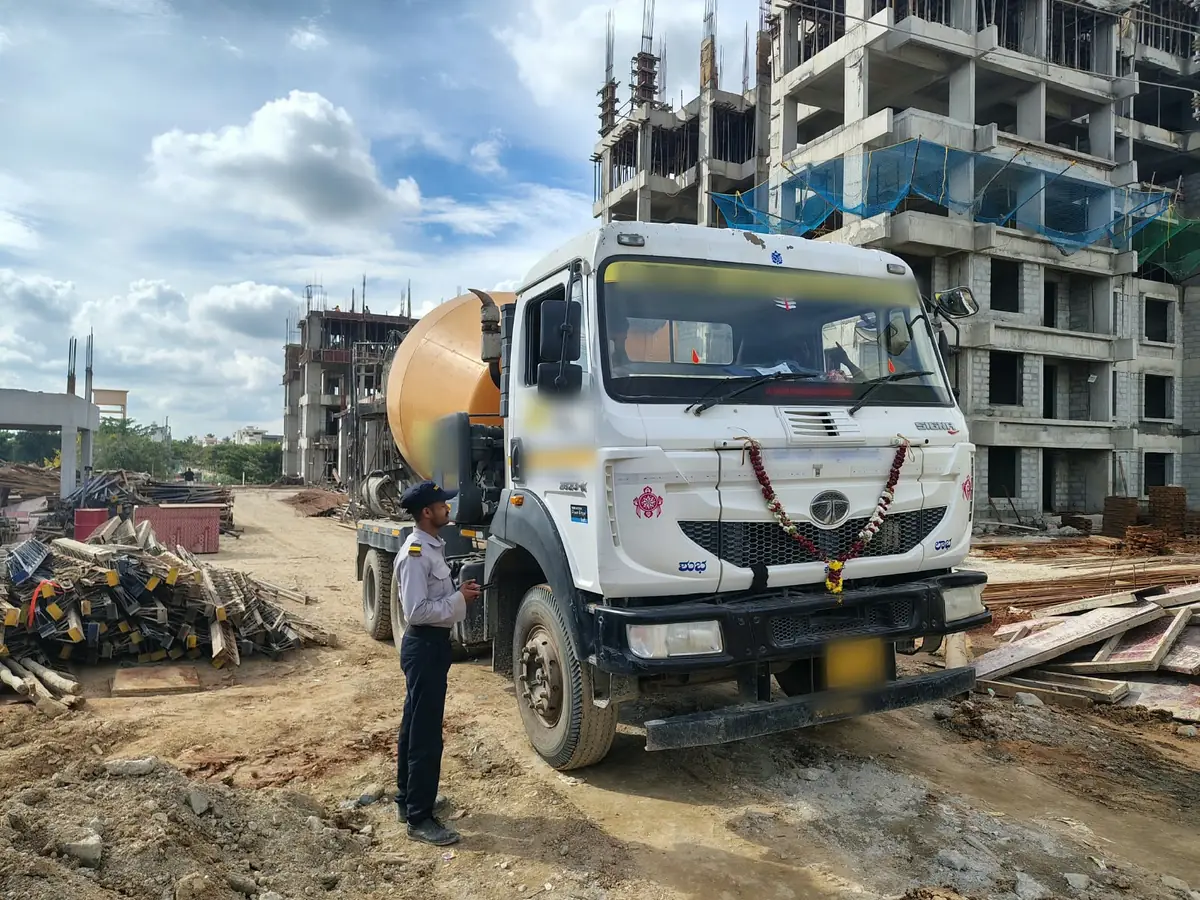
Every delivery and its challan photo, as it arrives: each trip as it comes in, not in a supplier's list that night. Nobody at the site has to send updates, and nobody at the office has to call for them.
Audit the gate without a site visit
Every entry and exit, material in and material out, with its times and photos, in one Excel download. Nobody travels to site to read a book.
Nobody can quietly change it
Made at the gate, at the time, with photos. Once saved, nobody can change it.
Your records stay yours
Guards come and go through agencies, so the guard’s app shows only who is inside and the last 24 hours. No history, no supplier list, no export.
For your site team, a calmer gate. For you, a record of every gate you can rely on.
Why it gets used
Software your site asks for.
Most site software is built around what the office needs. To the site team it is extra data entry with nothing back, so it quietly fades. InfraaPass starts the other way round.
It fixes the site’s problem first
Fewer calls about deliveries, and a record that settles arguments with suppliers. Your site team feels it in the first week.
No extra data entry
The record you see is made by their everyday work at the gate — the guard’s entry replaces the register. Nothing is typed up for the office.
A visit, not an IT project
The app comes from the app store. No server, nothing to integrate — a site starts with one visit from us.
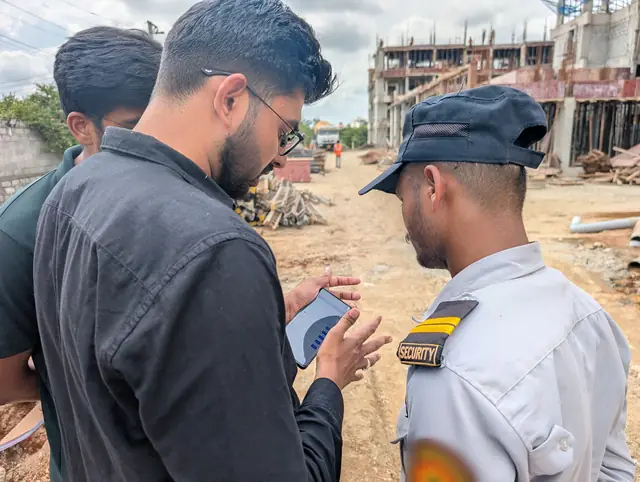
Your site team champions it. You get the record.
Works with your ERP
A check on your ERP, never a copy.
An ERP gate module is usually filled in by the same stores team that raises the GRN, from the same paperwork, after the fact. InfraaPass is captured at the gate, at the time, by someone outside that chain — so you can check one against the other when something does not add up. Nothing to connect, nothing to integrate.
Your systems
ERP, GRN, issuance, storesInfraaPass
Independent gate recordComing soon: the gate record, delivered into your ERP. It will still be made at the gate — your ERP simply receives it, and nobody types anything twice. Tell us which ERP you run.
Start small
Start with one site. Add the rest when you are ready.
One site first
We set it up with your site head. The guard runs the gate after a few practice entries.
Every site after that
We train every new site’s guards and their security agency, so a change of guard never lands on your site team. Your own team could set up new sites too, if they wish.
Hand over when you want
As sites join, the admin moves to your corporate team, or stays with a project manager who runs several.
Pricing
One flat price per site. No surprises.
It is less than what one guard at the site costs you.
One price per site, billed yearly in advance. No surprises as the site grows.
Everyone at the site who needs the app — site team and guards — plus your corporate team, at no extra cost.*
The app comes from the app store — no server, no IT project, nothing to integrate.
No server, no scanner, no kiosk. The guard already has the phone.
When a site closes, its record stays readable at no cost, long after the work is done.*
* Details in our terms of use.
No questions asked, no notice period. If you do not want to continue, we refund the full year's fee.
Questions your office will ask
Your questions, answered.
Whose data is it?
Your company’s. It is hosted in India, each role sees only its own screens, and the complete record exports whenever you ask — and if you ever stop using InfraaPass, you keep all of it. We do not sell it. See our privacy policy.
What happens when a site closes?
It is archived and becomes read-only: nothing new can be added, and your team can still see and export everything. Photos are kept for 3 years after that and all other records for 7, and then deleted — or earlier, if you ask. See our terms of use.
What if a guard leaves, or a phone is lost?
The record does not live on the phone. Entries are saved to the server the moment they are made, and a replacement phone picks up where the old one left off. If a phone goes missing, corporate revokes that login and the device is locked out. A new guard learns the app with a few practice entries.
Does it cover material leaving the site?
Yes. Scrap, returns and transfers to another site are logged at the gate as outward, with photos of the vehicle, challan and material, and they show in the same all-sites log and Excel download as deliveries. Your sites can also require a site manager's approval before any vehicle leaves with material. InfraaPass records what left; it does not weigh or count it.
We have tried apps before. They fade after a month.
That happens to a product only one person opens. InfraaPass is opened by three people every day: the guard logs the gate, the site team raises passes and clears walk-up requests, and corporate reads the log. Each one depends on the other two, so the habit holds — even when the people change.
See what better feels like.
Book a free demo — see InfraaPass at work on a gate like yours, and the view your corporate team gets. One call to start, wherever your sites are.
Already on InfraaPass? The gate app for site managers and guards — and the corporate dashboard on the web: